One Dataset, Several Stories: What AI Data Explorer Actually Does With Clean Data
Posts on this blog covered Data Explorer fixing broken shapes: data with no value column, data spread across four stage columns instead of a proper flow. Both are real problems Data Explorer solves. But most of the time, your data isn't broken. It's already sitting there as a clean Source, Target, Value table, ready to go.
So what does Data Explorer actually do when there's nothing to fix?
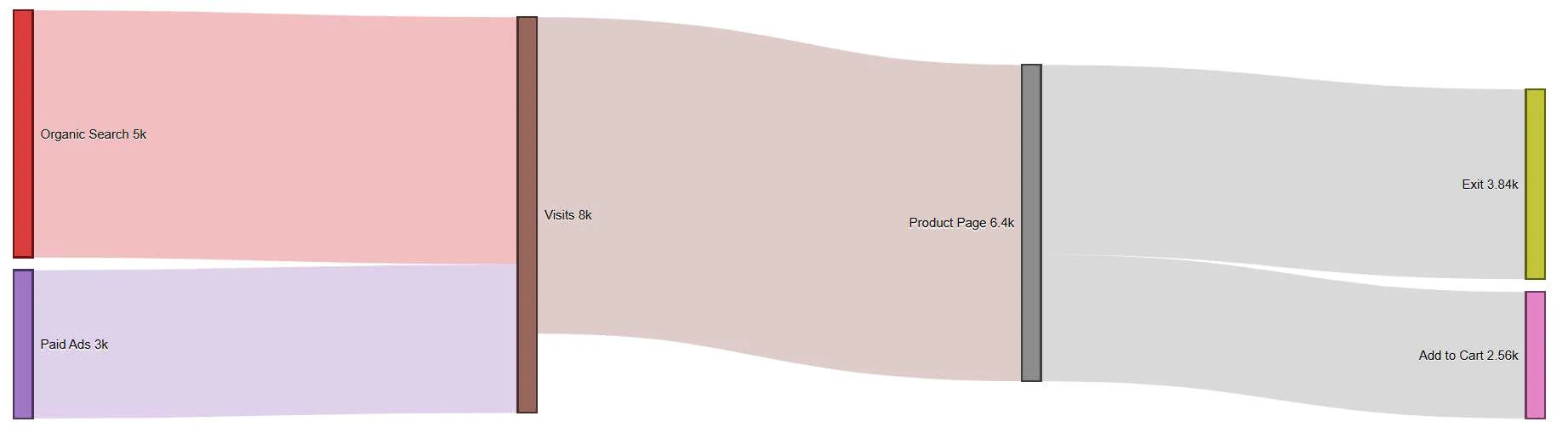
Data Explorer's job isn't just fixing, it's proposing
Even with well-formed data, there's still a decision to make: which version of the story do you actually want to tell? The same ten rows of e-commerce funnel data can support a detailed operational view, or a simplified executive view, and picking between them by hand means manually re-grouping rows and re-testing the diagram every time you change your mind.
That's what Data Explorer does at a high level, regardless of whether your data needed fixing first: it looks at your columns, recognizes which ones plausibly act as source, target, and value, and proposes a handful of different variants, ways of grouping or framing the same underlying numbers, so you're choosing between real, already-built options instead of guessing.
Running it on the e-commerce funnel
We've used this dataset before: Visits splitting toward Product Page or an exit, Product Page splitting toward Add to Cart or exit, and so on down to Purchase. Ten rows, already clean. Point Explore at it, and here's roughly what comes back.
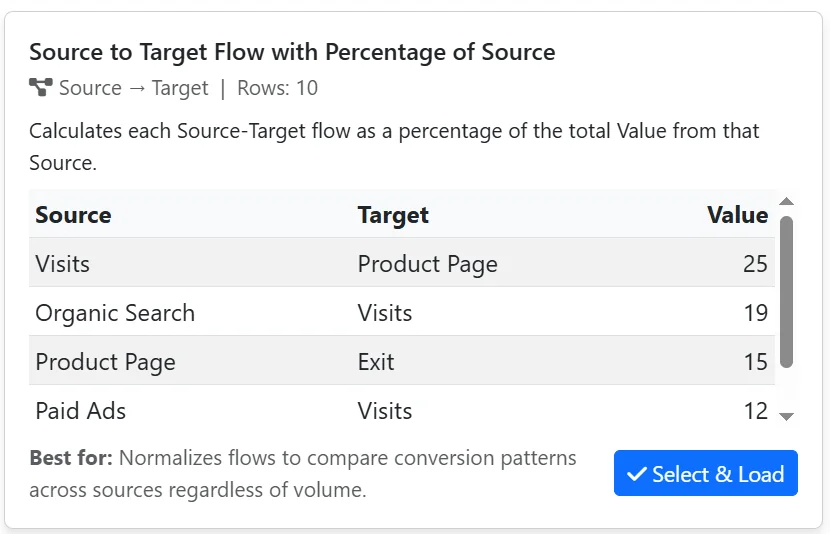
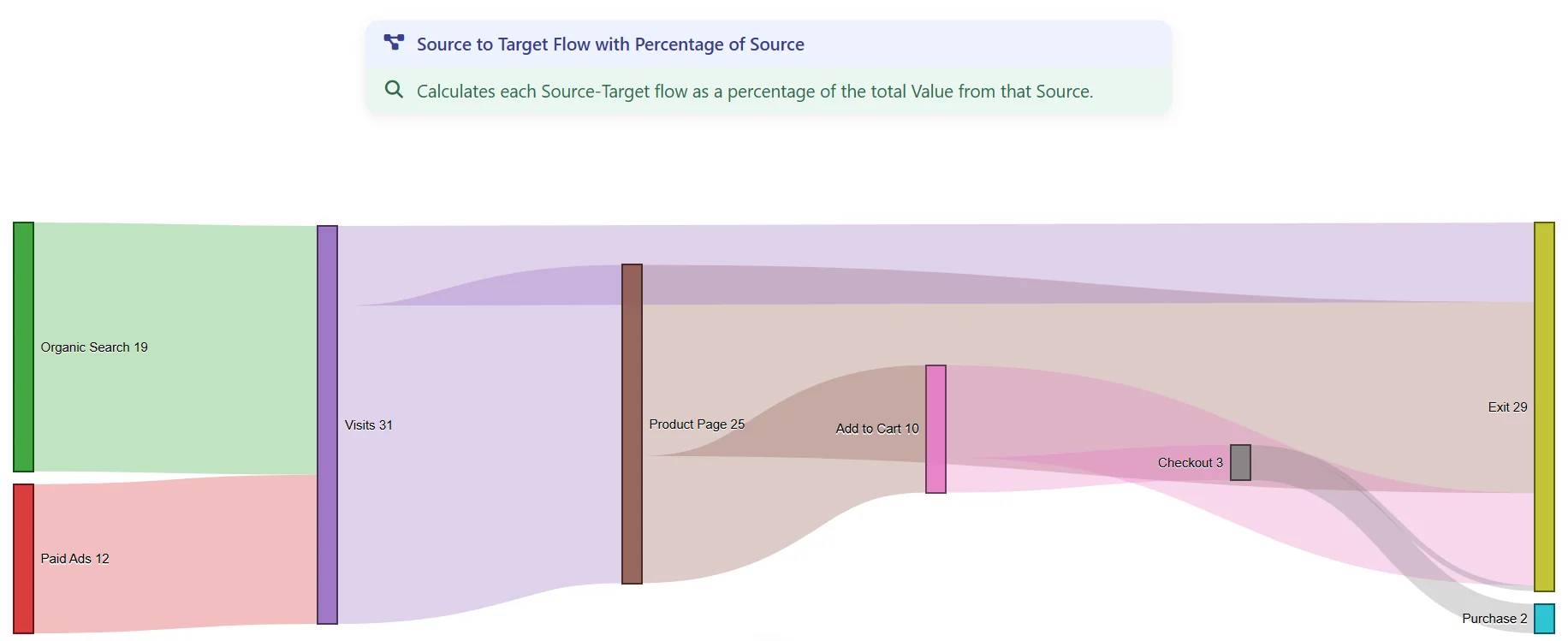
Variant 1: Calculates each Source-Target flow as a percentage of the total Value from that Source. Normalizes flows to compare conversion patterns across sources regardless of volume.
Data:
Result:
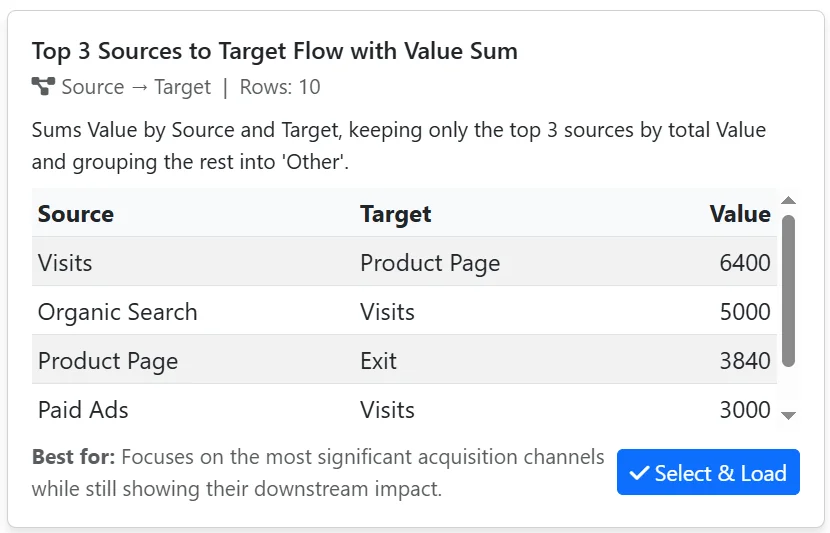
Variant 2: Sums Value by Source and Target, keeping only the top 3 sources by total Value and grouping the rest into 'Other'. Focuses on the most significant acquisition channels while still showing their downstream impact.
Data:
Result: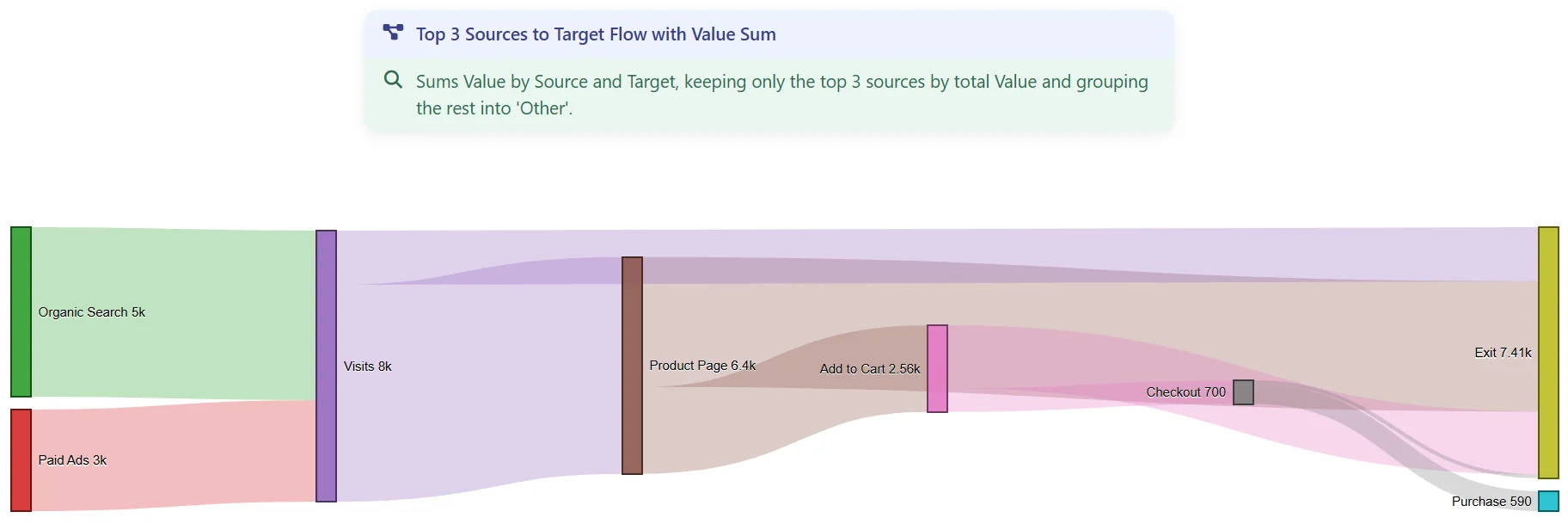
Same ten rows, both times. The only thing that changed is which question Data Explorer's Expore tool framed the data to answer.
Picking the variant that matches your audience
This is the actual decision Data Explorer hands you: not "which one is correct," they both are, but "which one does the room in front of you actually need."
Two decks from one dataset
Once you've picked a variant in Data Explorer, it becomes a real diagram, same as any other, which means Visual Prompts can turn it into a slide deck exactly the way it would for anything else.
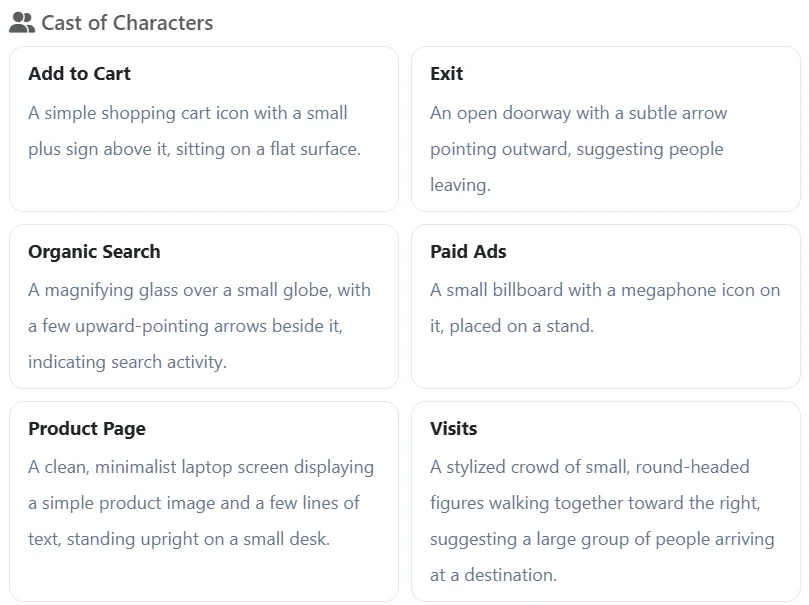
Run Visual Prompts on Variant 1, and you get the impact for each page. These are the characters it created to consistently represent in the slide deck:
The resulting Overview slide:
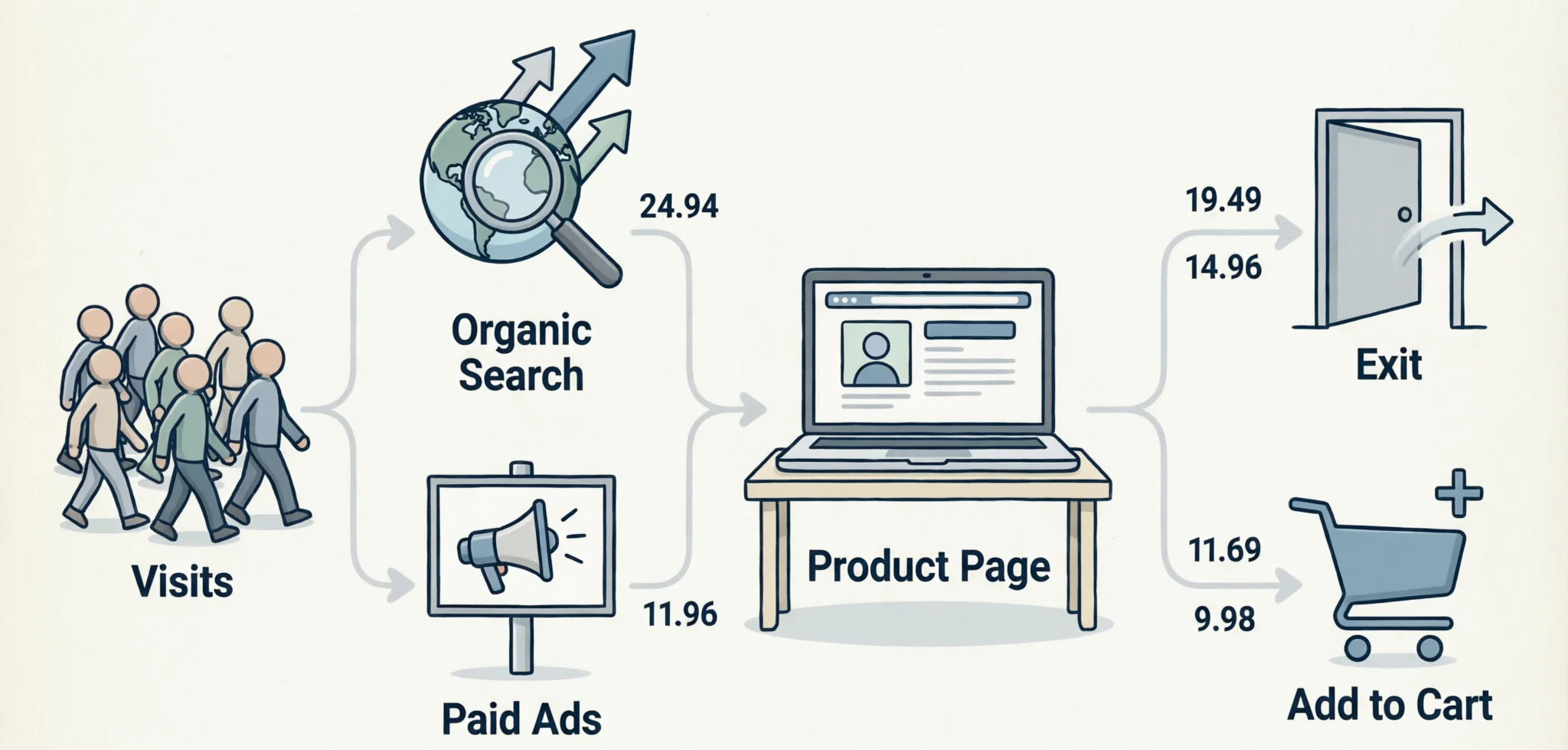
And here are the slide notes, so you would know exactly what to say: This overview shows the full journey: visitors arrive from two main channels—organic search and paid ads—and land on the product page. From there, most leave, but a smaller portion adds to cart. Organic search drives the largest share of visits at 19.49, while paid ads contribute 11.69. Of all visits, only 9.98 result in adding to cart.
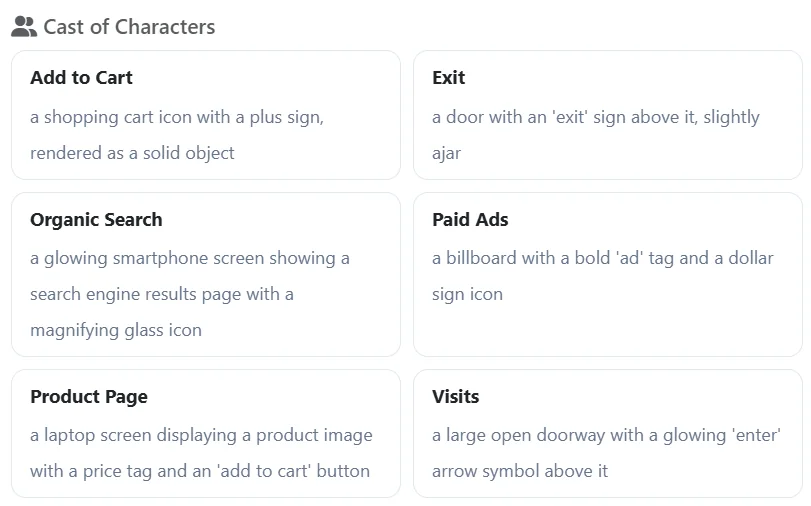
Run it again on Variant 2, and you get an entirely different deck. The Characters for Variant 2:
The resulting Overview slide:

The slide notes: This overview shows the full customer journey from acquisition to conversion. Users arrive either through Organic Search or Paid Ads, each contributing one visit. From there, visits split between viewing the Product Page and exiting, with one visit going to each. Finally, the Product Page leads to one Add to Cart action.
Same underlying numbers. Two decks, each one actually built for the meeting it's walking into, because Data Explorer let's you frame the question before Visual Prompts ever generated a prompt to support a single image.
Try it
Clean data doesn't mean there's only one diagram in it. There's usually more than one question your numbers can answer, and more than one audience waiting for a different one of them.
Discussion